Map style editor
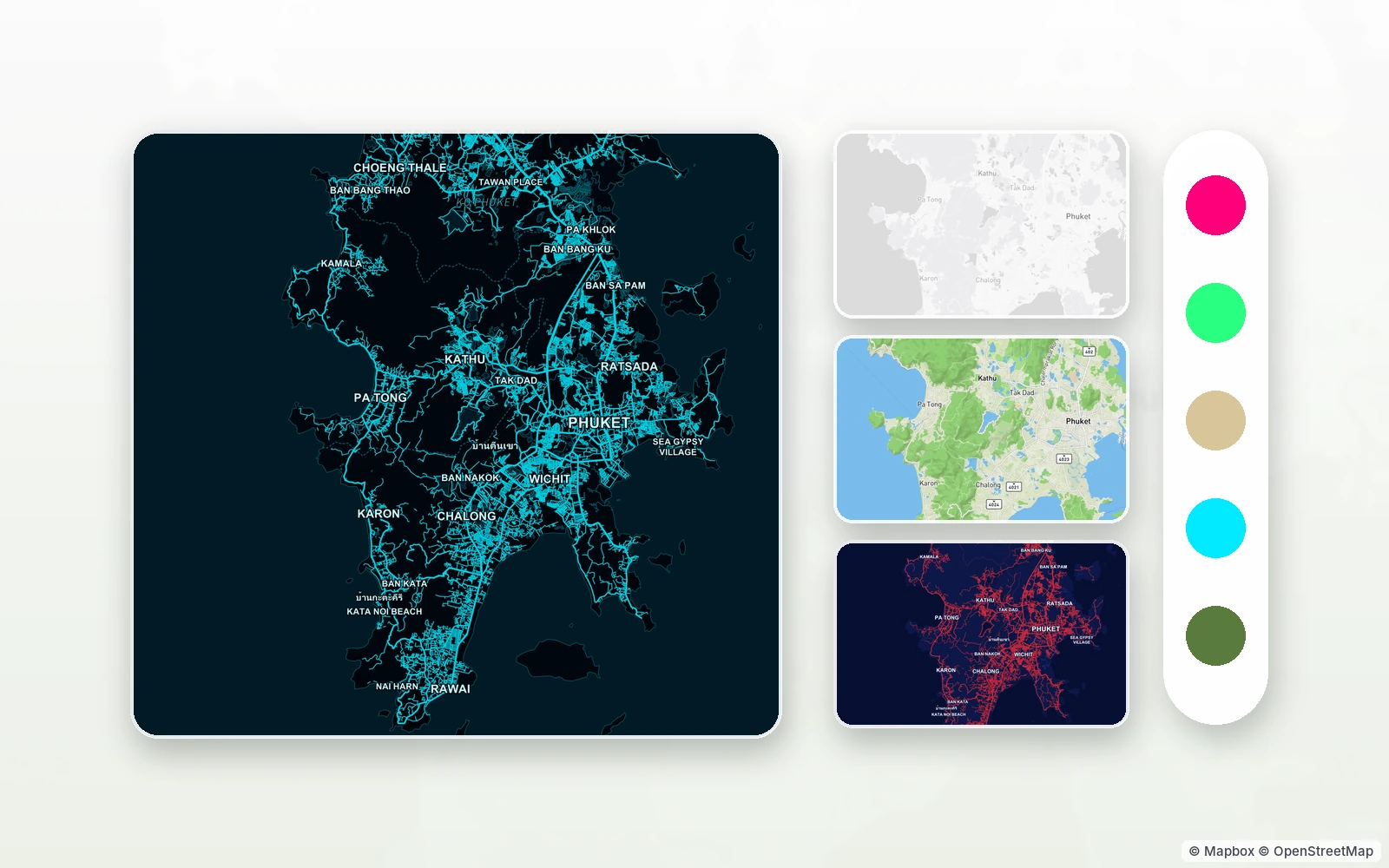
styles.tapmap.net is the studio where the TapMap map becomes yours — from one colour of water to a full set of your own animated icons.
© Mapbox · © OpenStreetMap
Getting started
Sign in with your TapMap account — Google, Apple or an email code — and start a style from a base: Classic, Western, Neon, Terminal, Comic, a light or dark map, terrain. It works with a standard Mapbox GL style: start from a base or upload your own style.json. The editor's buttons are in Russian for now; this page names them as they appear, with a translation.
What you can change
- Colours of the whole map at once — hue, saturation, brightness, day ↔ night — or part by part: water, land, parks, roads, buildings, labels.
- A palette from a picture: upload a photo and the map takes its colours.
- Font, colour and size of street and district labels.
- Place icons: category pins, favourites, homes, landmarks, event badges — as your own picture or an animation from a GIF, APNG or WebP.
- 3D buildings: wall colours by height, and windows.
- The colour of the route line and place labels drawn over the map.
- Layers one by one, and the whole style as code.
Preview, roll back, publish
Edits save themselves, and Ctrl+Z undoes them. «Посмотреть на телефоне» (see it on your phone) shows a QR code: the style opens in the app before it is published, and the link lives for a day. Every publish is a new version; the last five are kept and any of them can go back into the draft.
Publishing has no queue: the style is on the marketplace at once. Someone else's published style can be your starting point in one click — the copy remembers which style it came from. A pair of styles can be set as the light and dark version of each other.
Rules and limits
No other people's logos or trademarks, no insults, violence or adult content; a style can be reported, and a moderator takes it down. One person can have up to 20 styles, a style up to 600 pictures, and you can publish up to 10 times a day. The map is drawn only from Mapbox data: third-party addresses are not allowed in a style.
How to start
- Open styles.tapmap.net and sign in with your TapMap account.
- Pick a base, then repaint the map and change the font and icons.
- Check the style on your phone with the QR code and hit «Опубликовать» (publish).
Questions and answers
Do I need to code?
No. Colours, fonts and icons change with the mouse; the style code is open for anyone who wants fine control.
Which pictures work as icons?
PNG, and for animation a GIF, APNG or WebP. The editor fits them to the size of a TapMap icon.
Where do I see my style?
In the app: Map → Styles → People's styles, right after publishing.
More features
- Your own map of favourite placesYour pins, friends as co-editors, maps as layers
- Map marketplaceOther people's place lists as layers over your map
- Import a list from Google MapsA list link in, places on your map out
- Map stylesReady-made styles and people's styles in one tap
- Style API for AI agentsAn AI agent makes the style for you
TapMap is free
A map of places, events and friends. On Android and in the browser.